 by
by The Government of Kerala established the Motor Vehicles Department to carry out various provisions made under the Motor Vehicles Act 1988. It aims at the development and changes in the road transport Technology, pattern of passenger and freight movements and development of road networks in the state. It also focuses on improving techniques in The Motor vehicles management. Smart move is one of the remarkable initiatives put forward by the motor vehicles department, Kerala. It is a software developed by the National Informatics centre. With this software fees, taxes, cesses and application related to driving licence, conductor licence, transport and non transport vehicles permit, driving School licence can be accepted at any counters provided in the regional or sub Regional Transport offices.
In short the citizens need not search for various counters for availing services anymore. Most of the check posts under the department are now powered by SMARTMOVE check post which is another software developed by NIC by the requirement of the Motor Vehicles Department, Kerala. The Department is administered by the Transport commissioner who is the head of the department. Registration of vehicles, enforcement of the motor vehicles act and rules, collection of taxes and fees, granting of driving licence, issuing of certificate of fitness, granting of permits to vehicles are some of the main functions of the department.
Check Online (Parivahan Website): CLICK HERE
Check Online (Kerala Police): CLICK HERE
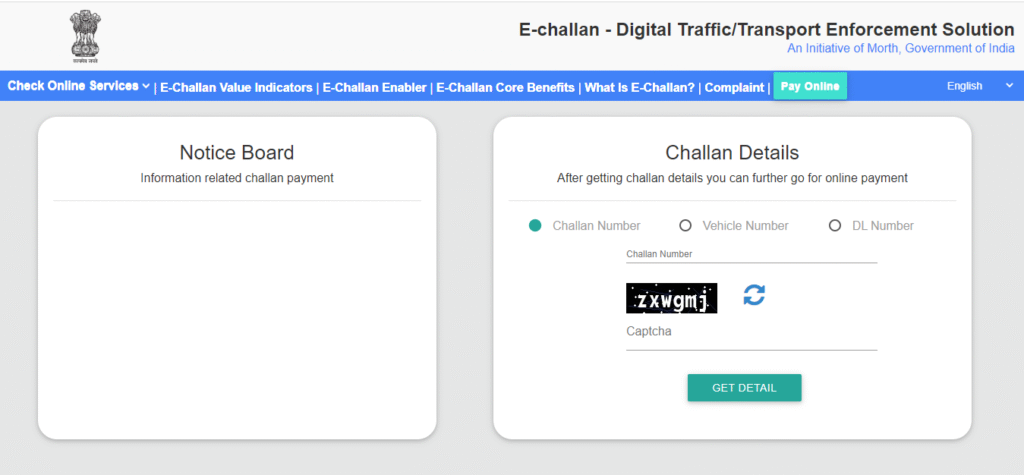
Check Online (Get Chellan Details): CLICK HERE
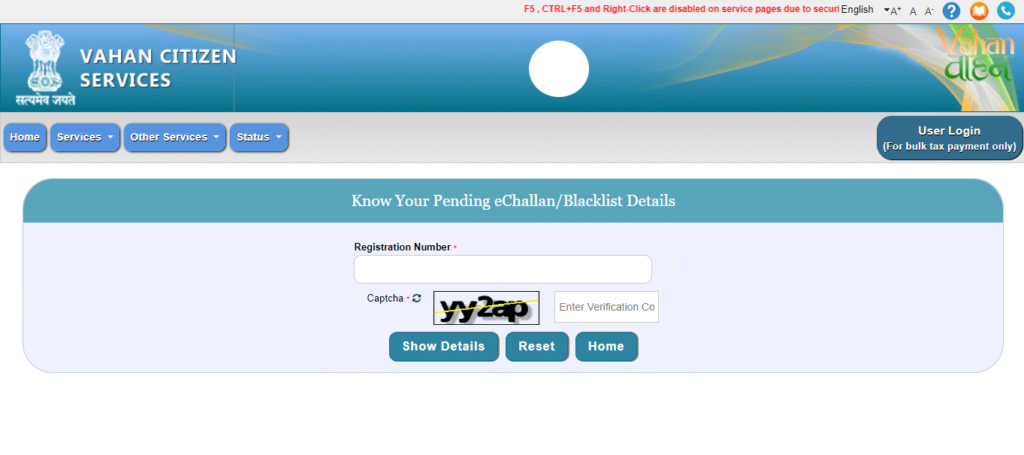
This has eradicated corruption in offices and also smoothened the functioning in Regional transport offices. The common man is now able to approach the offices without the help of any agents and touts. To check report offence details we must enter the registration number and click on the go button. By going through the report displayed, correct the mistakes found and contact the concerned office immediately for correction. Once you click apply an application number is sent. For online payment we must follow a few steps.
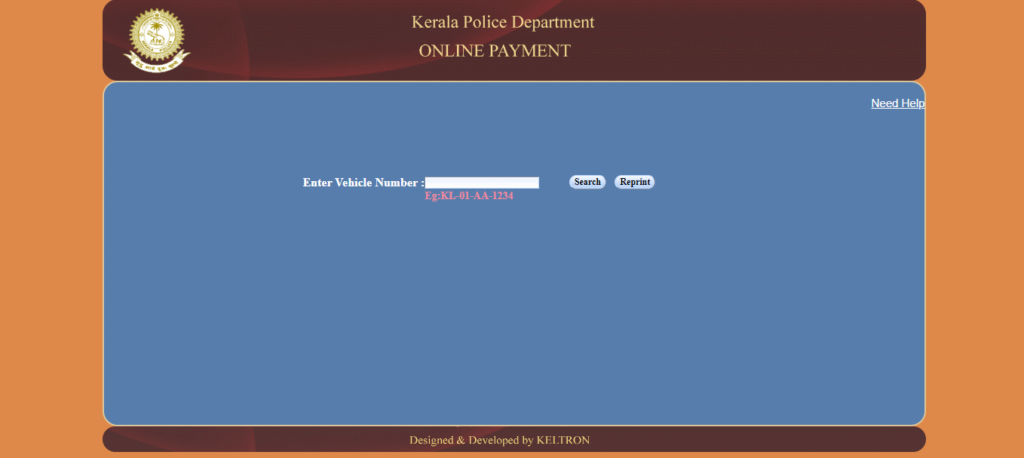
The vehicle number is to be entered and the submit button must be clicked. The list of unpaid charge memos will be displayed. You can select the one to pay and click proceed to make payment. The mode of payment can be selected and after making payment you will be directed to the bank website. Enter necessary details and then the transaction status is displayed. You can also collect the e-payment receipt for future reference.